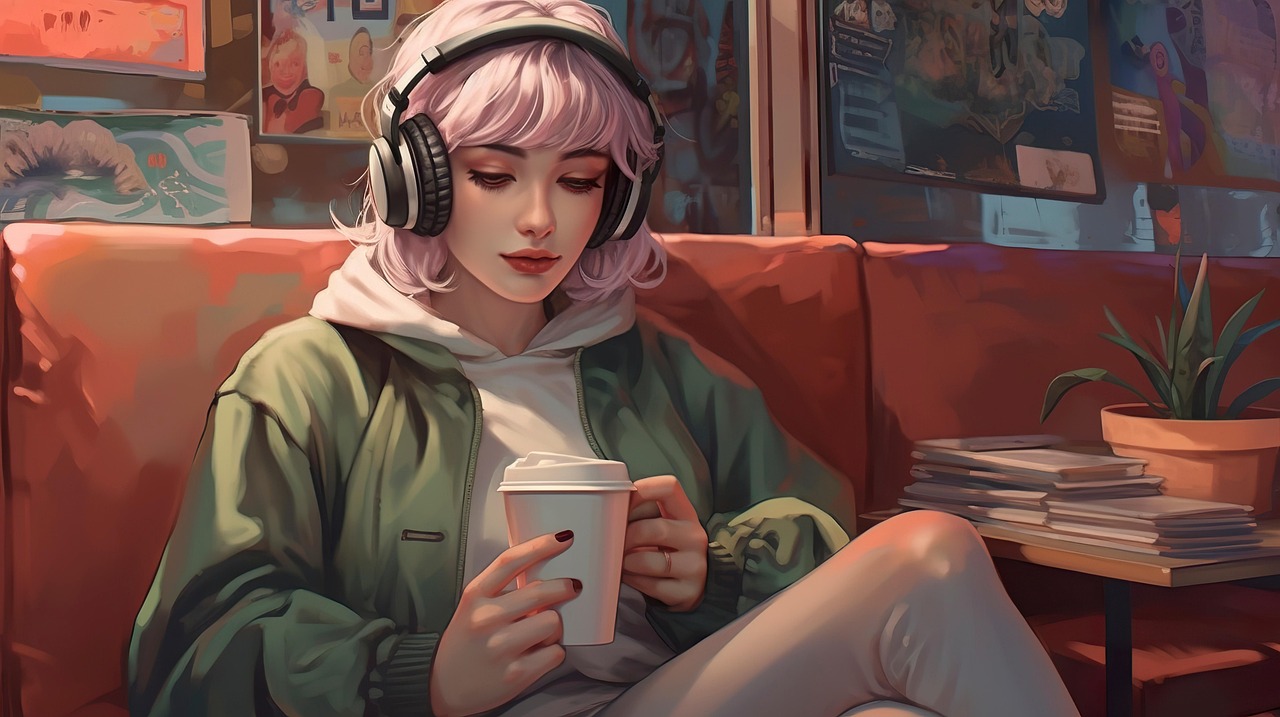
OpenAI's DALL-E 2 was a fun toy when it launched, but in 2026, using it for actual work is a recipe for frustration. The web is flooded with hyper-polished AI images, yet DALL-E 2 still defaults to that distinct, plasticky "AI look" that immediately screams low effort.
Between the strict generation limits, aggressive safety filters that flag completely normal words (like trying to generate a "chest pocket" on a shirt), and the fact that you can't easily edit layers, most creators have moved on. I spent a month testing dozens of AI art generators in my actual client design workflows to see which ones deliver usable files and which ones just burn through your credits.
Here is my honest breakdown of the 10 best DALL-E 2 alternatives. No fluff, just real testing notes, annoying quirks, and how they handle everyday prompts.
Why It Is Time to Ditch DALL-E 2
DALL-E 2 was a great proof of concept, but it has not aged well. When you are trying to hit a deadline, its limitations quickly become roadblocks:
- The Dreaded Plasticky Look: DALL-E 2 struggles with natural textures. Everything looks slightly shiny, airbrushed, or cartoonish. Modern engines can mimic analog film grain, raw watercolor, and clean vector lines much better.
- Safety Filter Overkill: We have all been there. You type a prompt containing a word like "shoot" (as in "photoshoot") or "pocket" and get hit with a red safety warning. It halts your workflow for no good reason.
- No Workflow Integration: Generating an image, downloading it, opening a separate editor to remove the background, and then importing it into your layout is slow. Modern tools build the generator directly into the workspace.
- Expensive Credit Burn: Burning a full credit on a deformed face hurts. Flat-rate plans or generous free tiers are essential when you need to run ten variations to get one good result.
I rarely use just one tool. I generate high-end art in Imagine.Art, drop it into Pixlr to mask out the weird edges, and run it through Vance AI if I need to print it large.
How to Choose a Generator Without Wasting Money
Before you enter your credit card details, keep these three guidelines in mind:
- Identify Your Output Needs: If you need transparent PNG assets or SVG vector drafts, do not waste time on engines designed for photorealism. Look for tools that specialize in commercial graphic exports.
- Assess the Control Options: Some platforms give you a single text box and hope for the best. Others give you sliders for aspect ratio, style weights, and negative prompts. Choose the level of control you actually want to manage.
- Calculate the Real Cost: A "free" tier that only lets you generate 512px watermarked images is useless. Look at what the paid tiers actually unlock, especially resolution and commercial usage rights.
The 10 Best DALL-E 2 Alternatives (Ranked & Reviewed)
Simplified is not just an art generator, it is a full marketing dashboard. It bundles AI writing, design layouts, and a scheduler into one place. If you need to generate a quick graphic and instantly drop it into an Instagram template, this tool works incredibly well. The raw image quality is decent, though not ground-breaking.
Artify does not overwhelm you with advanced developer settings or slider menus. The interface is clean and snappy. It translates basic conversational prompts into coherent images faster than most competitors. It is particularly good at artistic styles like sketch and watercolor, though it can struggle with complex photorealism.
If you already use Canva, Magic Media is incredibly convenient. You generate images directly inside your active presentation slide or design template. This saves you from constantly switching tabs. However, the raw output quality is average. Faces often look distorted, and details can be muddy.
DeepAI is designed for API integration. The website looks like a basic developer sandbox, but the backend is incredibly stable. The images can look a bit strange or deformed without a solid negative prompt, but it is a highly reliable choice if you need to run automated bulk scripts.
Pixlr is basically Photoshop inside your browser, and they have added a decent AI art generator to the sidebar. It is perfect when you need to generate a background and immediately use layers, masks, or filters to edit it without downloading anything.
FreePik has built an AI generator directly into their stock asset search. If you are searching for stock images and cannot find a clean match, the AI will generate one in a polished, commercial style. The outputs look professional, though they can feel a bit corporate and sterile.
PicsArt is the standard choice for editing on a phone. The mobile app lets you generate backgrounds, custom avatars, and sticker elements on the go. The interface is highly intuitive, but the constant popup ads urging you to upgrade to their premium plan are very annoying.
Hotpot is tailored for specific asset design rather than generic artistic prints. It has focused generators for app icons, social headers, and pixel-art game sprites. The visual outputs are clean and useful, but the actual processing speeds are slow. You will often sit waiting for minutes during busy periods.
Vance AI is not a text-to-image generator, but it is an essential part of any AI workflow. Free generators usually output low-resolution files (often 512x512). Vance AI specializes in upscaling those fuzzy files up to 8x resolution, cleaning up pixelation, and sharpening blurry details.
Imagine.Art is a dedicated art platform that gives you sliders for CFG scale, generation steps, and specific aspect ratios. It produces highly detailed artwork. The drawback is the learning curve. You need to write detailed prompts and actively use negative prompting to get clean results.
Quick Comparison Chart
| Tool | Primary Strength | Ideal Audience | Style Output | Difficulty |
|---|---|---|---|---|
| Simplified | Social dashboard | Marketing Teams | Commercial Design | Easy |
| Artify | Clean user interface | Hobbyists | Artistic Textures | Easy |
| Canva | Editor integration | Slide Designers | Corporate Graphic | Easy |
| DeepAI | API stability | Developers | Varies | Medium |
| Pixlr | Layer-based tools | Photo Editors | Clean Composites | Easy |
| FreePik | Stock replacement | Design Agencies | Stock Photo | Easy |
| PicsArt | Mobile app interface | Mobile Creators | Stylized Graphics | Easy |
| Hotpot.ai | Asset templates | Indie Game Devs | Sprites & Icons | Medium |
| Vance AI | Upscaling files | Print Media Designers | Hyper-detailed | Medium |
| Imagine.Art | Granular sliders | Pro AI Artists | Creative Art | Advanced |
Choosing a Tool for Your Workflow
If you are editing posts on your phone, PicsArt puts a solid generator and basic masking tools directly in your pocket.
Generate slide graphics directly in your layout without wasting time exporting, downloading, or cropping.
When standard stock sites are too generic, FreePik generates clean stock-style assets that look professional.
If you need to connect an image generator to a custom script or web app, DeepAI has the most straightforward API.
Build backgrounds, tileable patterns, and simple character sprites without needing complex local models.
If you want to adjust the CFG scale, step counts, and use detailed negative prompt strings to guide the output.
My 5-Step Process for Clean AI Generations
Vague prompts lead to generic outputs. Instead of "a classic car," write "a dusty 1970 muscle car parked outside a neon-lit diner at night."
Tell the AI how the image should look. Add phrases like "35mm film photograph," "rough charcoal sketch," or "matte 3D render."
Lighting defines the mood. Try adding "harsh midday sun," "dim fluorescent office light," or "soft golden hour glow."
If the tool supports it, list things you do not want to see: "blurry, text, signatures, distorted faces, extra fingers."
Most web-based tools generate relatively small files. Use a tool like Vance AI to upscale the image to high resolution before publishing.
1. Word stuffing: Adding 30 conflicting adjectives just confuses the model. Keep it simple. 2. Ignoring aspect ratios: Make sure you set your aspect ratio before generating to avoid bad cropping. 3. Contradictory terms: Prompts like "pitch black room with bright direct sunlight" will yield strange artifacts.
Real Trends I am Watching
Right now, getting the exact same face across multiple generations is a massive headache. The industry is moving toward reliable character locks for storyboards and comics.
Newer tools let you draw basic shapes on a canvas while the AI renders textures in real time. This merges hand drawing with generative speed.
Many enterprise plans now offer copyright protection and transparent training data. This is crucial for businesses using AI in commercial ads.
With newer computer chips, more creators are running models locally on their laptops. This means zero subscription fees and no wait times.
Frequently Asked Questions
Simplified and Canva are the most practical free options. Simplified gives you recurring monthly credits, while Canva lets you generate a limited number of graphics directly in your designs for free.
Most AI generators struggle with text, but Canva and Imagine.Art handle short words much better than they used to. Always double-check and proofread the generated text, as typos are very common.
Usually, yes, but you cannot copyright purely AI-generated art. If you are doing commercial client work, check the specific tool's terms. Some paid tiers offer copyright protection, while others do not.
To get more realistic images, add photographic details to your prompt. Use phrases like "35mm camera, natural lighting, shot on DSLR, realistic textures" and avoid words like "photorealistic" or "hyperrealistic," which often trigger a plastic-like effect.
DeepAI has the most straightforward API. It avoids consumer clutter and focuses on fast, reliable endpoints for automated processing.
My Recommendation
- For daily marketing work: Use Simplified or Canva Magic Media to keep your designs in one workspace.
- For advanced art creation: Imagine.Art offers the best sliders and prompt control parameters.
- For automation & APIs: Go with DeepAI for cheap and stable backend integrations.
- For scaling up low-res images: Keep Vance AI in your stack to upscale compressed outputs.
- Do not stick to a single tool. Mixing different generators and editing the results in a layer editor like Pixlr gets the best results.
DALL-E 2 was a major milestone, but the technology has moved on. Finding the right tool comes down to your daily workflow. Try a few of the free tiers, test them with your specific prompt ideas, and see which one saves you the most time.
Himanshu Kumar
Himanshu Kumar is a passionate tech enthusiast and AI reviewer. With extensive background evaluating generative machine learning tools, he helps professionals harness modern AI strategies to supercharge their workflows, art capabilities, and online presence.
Read more articles by this author