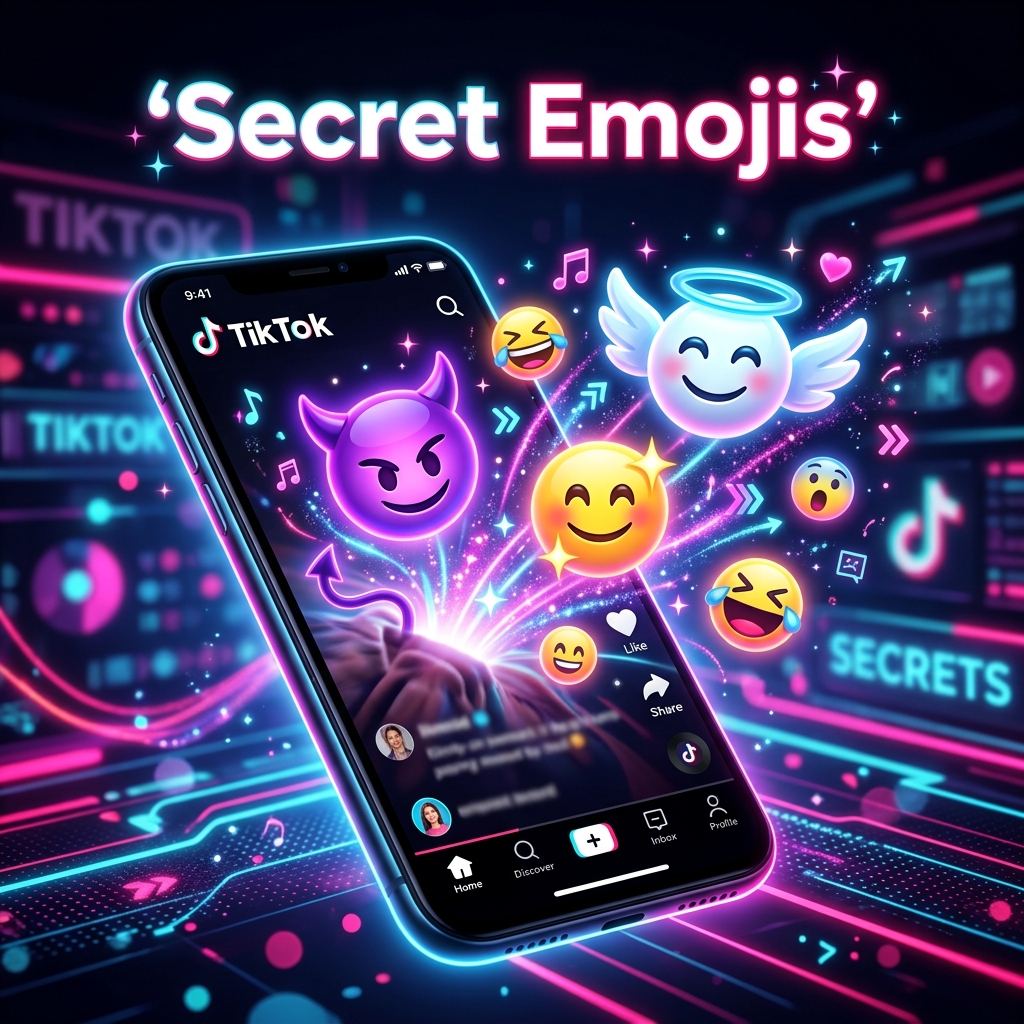
TikTok is a platform built on secrets, hidden features, and cultural easter eggs. From the ever-changing algorithm to the latest ways to promote your blog on TikTok, there is always something new to discover. However, one of the most intriguing and underrated features of the platform is its library of secret emojis. These are not your standard iOS or Android emojis; they are unique, stylized icons that only appear when you use specific text codes.
These hidden icons are officially known as TikTok Secret Emojis. There are 46 of them in total, and they have been a staple of the app for years. Unlike the standard yellow faces on your phone keyboard, these emojis look like flat, graphic illustrations. They feel more natively "TikTok" and tend to stand out much more in a crowded comment section.
If you have ever seen someone post a comment with a strangely expressive face that you cannot find on your emoji keyboard, you have witnessed a secret emoji in action. In this guide, we will break down exactly how to unlock them, why they exist, and provide the complete list of all 46 codes so you can start using them today.
Pro Tip: These emojis only work on the TikTok mobile app for iOS and Android. They generally do not render on desktop browsers or within the TikTok messaging feature; showing up instead as the raw text code.
How to Use TikTok Secret Emoji Codes
Unlocking these hidden gems does not require any special permissions or high-level follower counts. Anyone with the app can use them. The "trick" lies in the formatting. To trigger a secret emoji, you must type a specific word inside square brackets.
This is different from most other platforms. For example, on Discord or Slack, you might use colons (e.g., :smile:). On TikTok, you must use square brackets (e.g., [smile]). If you use parentheses or curly brackets, the code will remain as plain text.
Step-by-Step Guide
The Full List of TikTok Secret Emojis (46 Codes)
Here is the complete library of codes available on TikTok as of 2026. We have categorized them to help you find the right vibe for your next viral comment.
Deep Dive: Meanings and the Best Time to Use Them
While many of these secret emojis map directly to standard ones, their visual language is distinct. Standard emojis vary by device; an Apple "grimace" looks different from a Samsung "grimace." TikTok's secret emojis, however, look exactly the same for every app user, regardless of their hardware. This creates a unified experience, much like the standardized TikTok gift values in 2026 that users track globally.
Some of the most popular ones, like [wronged], have taken on a life of their own in TikTok culture. This specific emoji is often used to denote a "puppy dog eyes" vibe, commonly appearing when someone is asking for forgiveness or expressing sympathy in a "soft" way.
Conversely, the [rage] and [angry] icons are much more stylized than the standard red-faced emoji. They carry a certain graphic weight that makes a negative reaction feel more intentional and stylized rather than just a casual outburst.
Using [thinking] is a great way to engage with a theory video or a complex story time. Because it is a flat illustration, it does not get lost in the text as easily as the standard yellow thinking emoji. It creates a visual break in the paragraph, making your comment more readable.
Why You Should Use Secret Emojis Instead of Standard Ones
You might wonder why you should bother memorizing shortcodes when you have an entire keyboard of thousands of emojis at your fingertips. There are three main reasons why the "pro" creators prefer the hidden list:
- Platform Consistency: As mentioned, these look the same on every phone. If you use a standard emoji, it might look slightly different (or even broken) on a different operating system. Secret emojis are built into the TikTok app code, ensuring a perfect render every time.
- Exclusivity and "Cool" Factor: Most casual users do not know these exist. Using them identifies you as someone who knows the platform's ins and outs. It is a subtle signal that you are a dedicated TikToker.
- Enhanced Visual Feedback: The secret emoji library is designed with high contrast. They "pop" against the white or dark background of the TikTok comment section much better than the standard emoji set.
Furthermore, there is a common belief among some social media strategists that using native platform features (like secret emojis) can positively influence the algorithm. While TikTok has never explicitly confirmed this, the app's code is designed to recognize its own features. Using them shows that your account is interactive and deeply integrated with the TikTok ecosystem.
The Psychology of Hidden Features: Why TikTok Uses Secret Emojis
You might ask why a platform as large as TikTok would hide away some of its best visual assets behind obscure text codes. The answer lies in the psychological principle of "in-group" belonging. When users discover a hidden feature, like the ability to view TikTok stories anonymously, they feel like they have gained access to a curated, elite group. This encourages exploration and increases the time spent on the app; as users search for more "easter eggs."
Furthermore, these emojis act as a form of social currency. If you are the first person in a comment thread to use [complacent] or [wicked], you are essentially signaling your expertise with the platform. This drives curiosity in other users, who then search for how you did it; creating a self-sustaining cycle of engagement. It is a brilliant way to keep the community active and constantly learning.
From a design perspective, these icons also help TikTok maintain a unique brand identity. While standard emojis are universal, these secret ones are proprietary. They are instantly recognizable to regular users and help distinguish TikTok content from other social networks like Instagram or YouTube. When you see that specific flat design, you know you are in the TikTok ecosystem.
Secret Emojis as a Branding Tool for Creators
For influencers and brands, these hidden icons provide a way to maintain a consistent "vibe" across their captions. Because the secret emoji set is limited to 46 specific expressions, it forces a certain aesthetic uniformity. Using them repeatedly can become a part of your digital signature. For instance, a creator who constantly uses [stun] or [shock] develops a persona of transparency and raw reaction.
Strategically, you can also use these emojis to make your Call to Action (CTA) more visually appealing. Instead of a standard pointing finger emoji, using [wow] or [excited] near your link or instructions can draw the eye much more effectively. The stylized nature of these icons makes them look like part of a professional graphic design rather than just text symbols.
Detailed Comparison: Secret Emojis vs. Standard Emojis
To help you decide when to use which, let us look at the technical and visual differences between the two sets.
| Feature | Standard Emojis | TikTok Secret Emojis |
|---|---|---|
| Source | Device Keyboard (Unicode) | TikTok In-App Code |
| Visual Style | 3D, Gradient, System-specific | Flat, Graphic, Unified |
| Accessibility | One tap on keyboard | Requires [shortcode] input |
| Platform Support | Works everywhere | TikTok comments/captions only |
| Visibility | Commonly ignored | High attention-grabbing potential |
| Render Quality | Varies by screen/OS | Identical on all devices |
Troubleshooting: Why Are My Secret Emojis Not Working?
If you have tried typing the codes and nothing happened, do not worry; you are likely making one of a few common mistakes. Here is the checklist to fix it:
- Check Your Brackets: You must use square brackets []. If you use (), {}, or <>, it will not work. This is the most frequent error users make.
- Check for Spaces: There should be no space between the bracket and the word. For example, [ smile ] will fail, but [smile] will succeed.
- App vs. Web: These icons generally only render on the TikTok application. If you are browsing TikTok on a Safari or Chrome mobile browser, they might just show up as text. Similarly, if you are looking at them on a computer, they will almost certainly be plain text.
- Update Your App: While these emojis have been around for a long time, very old versions of the app might not support the full list. Ensure you are running the latest version from the App Store or Play Store.
- Direct Messages: Historically, TikTok secret emojis do not work consistently in DMs. They are primarily designed for public captions and comments.
Frequently Asked Questions
Conclusion: Elevating Your TikTok Presence
In the fast-paced world of TikTok creator culture, attention is the most valuable currency. Utilizing secret features like the hidden emoji list is more than just a fun trick; it is a strategic way to signal that you are an active and knowledgeable member of the community. By incorporating these 46 unique icons into your captions and comments, you create micro-moments of surprise for your viewers that can lead to higher engagement rates and better brand recall.
Remember that while these emojis are a powerful tool for visual storytelling, they are most effective when used thoughtfully. Do not over-saturate your captions with dozens of codes; instead, pick the one that perfectly captures the vibe of your content. Whether you are using the [wronged] face to show mock humility or the [proud] icon to celebrate a win, these hidden gems help you build a more relatable and expressive brand.
The next time you are scrolling through your FYP, try dropping a few of these in the comments. It is a simple way to add some personality to your interactions and show off your TikTok knowledge. These secret icons are a fun part of what makes the TikTok community so unique, and now you have the full list to join in on the conversation. Keep experimenting, keep creating, and most importantly, keep engaging with your audience in creative ways.