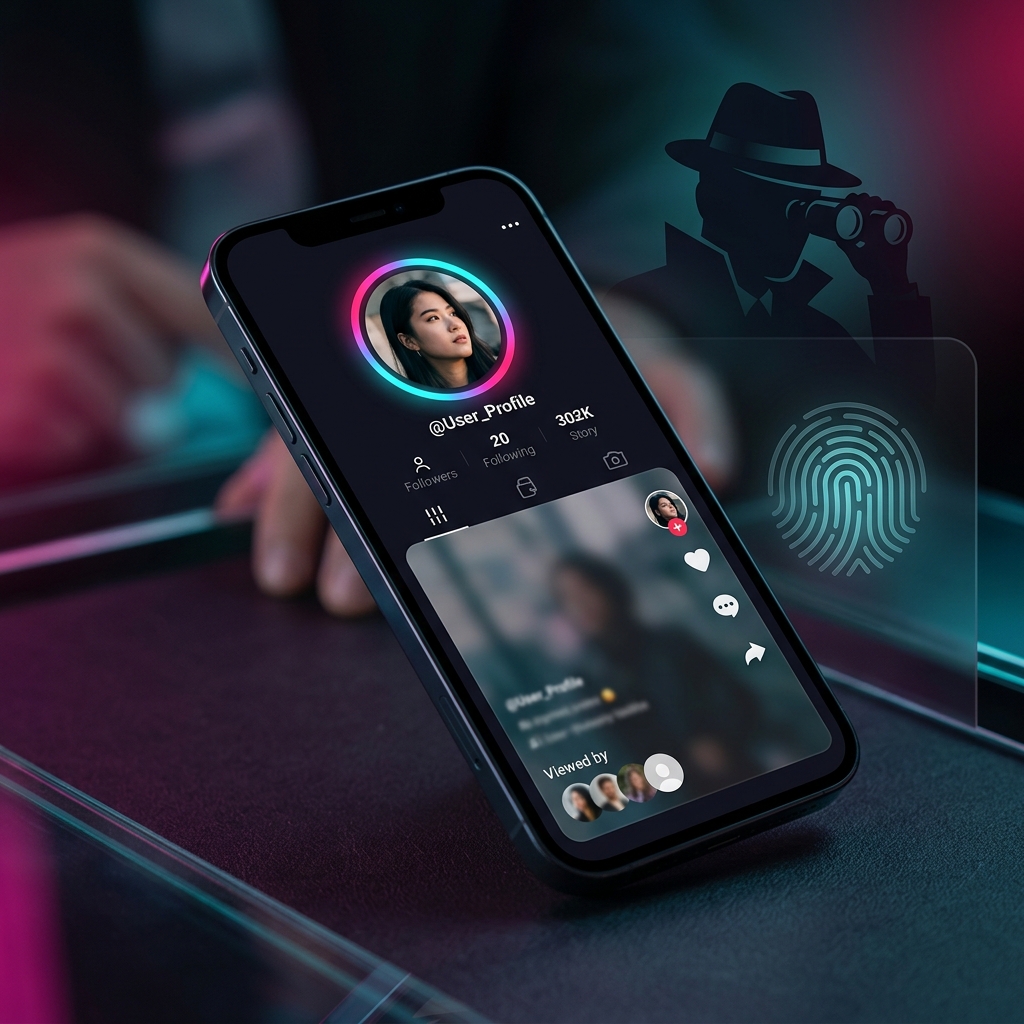
If you scroll TikTok late at night like I do, you've probably paused at that glowing blue ring around someone's profile icon. It's a Story—a raw, 24-hour snippet of their life. But before you tap, there's a mini-panic: the "Viewed By" list. Unlike regular TikTok posts where your view is buried in aggregate stats, stories show the creator exactly who watched. And let's be honest, whether you're keeping tabs on a competitor, checking in on an ex, or just browsing in stealth mode, you don't always want your face popping up in their history.
Unlike regular TikTok videos, where your view is anonymous unless you like or comment, TikTok stories leave a digital trail—similar to how some users worry about screenshot notifications on Instagram. I spent the last two weeks testing every single trick, hack, and third-party site out there to see if you can actually watch TikTok stories anonymously. I used an iPhone 15, a Pixel 6, and a couple of burner setups.
Here is the honest truth about what actually works and what is a complete waste of time. No generic filler, no outdated advice. Just real testing notes from a creator who actually dug into the settings.
- Logged-in views are tracked instantly — Tapping a story immediately logs your User ID on TikTok's database.
- Airplane Mode is a trap — Modern cache syncing sends your view to their servers the second you go back online.
- Third-party viewers are data harvesters — Sites like Urlebird or TikSave are full of malicious redirects, virus pop-ups, and cookies.
- Desktop web browser works — You can watch public stories safely without logging in.
- Burners are the gold standard — The only consistent way to check stories anonymously, provided you skip contact syncing.
How TikTok Story Views Work (The Technical Side)
To bypass the tracking, you need to know how the app logs you. TikTok Stories operate on a user-level tracking system. When you tap a story, your app sends a network request to TikTok's API. Much like understanding navigation on Instagram stories, this request contains your unique account ID, the Story ID, and a timestamp.
The second this request hits their server, you are added to the creator's "Viewed By" list. This is different from the regular feed, which only logs aggregate numbers (like "15k views") without revealing individual handles.
The story and its view list disappear after 24 hours. Once it expires, the creator can no longer see who watched it, though the data likely remains on TikTok's backend servers.
Lately, TikTok has tightened its background tracking. Loopholes that creators exploited in 2023 or 2024—like pausing background app refresh—have been patched. The 2026 app architecture is built for real-time syncing, which makes simple hacks much riskier.
Can You View TikTok Stories Anonymously? (Tested Methods)
I put five of the most popular anonymous viewing methods to the test. Here is the breakdown of what happened:
Note: These workarounds only apply to public accounts. If a profile is private, you cannot watch their stories without following them.
1. The Burner Account (The Gold Standard)
If you need to view stories regularly without getting caught, this is the most reliable way. I set up a burner profile, and it works perfectly. But there's a huge catch: you must set it up carefully.
Use a fresh, generic email that isn't tied to your real name. When the app asks to sync your contact list or connect to Facebook, decline immediately. If you accept, TikTok's recommendation engine will suggest your burner account to your real-life friends within days. If it asks for phone verification, use a secondary VoIP line if possible, though TikTok has started blocking VOIP registrations.
2. Viewing via Web Browser
This is the easiest trick for public profiles and requires zero setup. Open a private/incognito window on Chrome or Safari on your desktop and go to tiktok.com/@username.
If they have active stories, you can click their profile image and watch them play. Since you aren't logged in, TikTok has no way to link the session to your identity. The creator's total view count will go up by one, but your handle won't be on their list.
Frustration: Don't try this on mobile. TikTok aggressively pushes mobile browser users to download or open the app, making it almost impossible to view stories logged out. Use a desktop browser for this.
The Airplane Mode Trick: Why It Usually Fails
You'll see this advice all over YouTube and TikTok: load the target's profile, turn on Airplane mode, watch the cached story, force-close the app, and turn data back on. I tested this on both an iPhone 15 and a Pixel 6, and it failed about 80% of the time.
Why? The app is smart. When you view a story offline, the app logs the "view" event into its local database cache. The second your device connects back to the internet—even if the app is closed or running in the background—the phone's sync daemon runs and uploads that cached view event to TikTok's servers.
Verdict: High Risk. Unless you watch the story, go to settings, manually clear the app's storage and cache, and then turn your internet back on, the view event will eventually sync. One slip-up and your handle appears on their list. It is not worth the stress.
The Truth About Third-Party TikTok Viewer Tools
If you search for "TikTok Story Viewer" on Google, you'll find sites promising "free, instant, and anonymous" views. I tested three of the most popular platforms (like Urlebird and TikSave).
Here is my honest experience: they are a nightmare. Most of them are redirect loops and ad traps. The moment I searched a username, I was redirected to sketchy gambling sites or met with fake "your phone has a virus" alerts.
1. Malicious Cookies: These sites drop cookies and tracking pixels on your device to build ad profiles.
2. Phishing: Some sites require you to "log in with your TikTok account" to bypass limitations. NEVER do this. It is a direct credential harvesting trap to steal your account.
3. Unreliable APIs: TikTok constantly updates its backend to block these scrapers, so these sites are offline half the time anyway.
Profile View History vs. Story View History
A lot of users confuse "Profile Views" with "Story Views," assuming they are the same thing. They are not. They run on completely different privacy rules.
- Opt-in setting. You can turn it off anytime.
- If you turn it off, you can look at profiles invisibly, but you can't see who viewed yours either.
- Only shows views from the last 30 days.
- Accessed via the footprint icon on your profile.
- Hardcoded setting. It is always active.
- You cannot opt out of this system.
- Shows real-time views for exactly 24 hours.
- Does not respect your "Footprint" privacy settings.
The Takeaway: Turning off "Profile View History" in your settings will not hide you when you watch someone's story. If you're logged in, your name still goes on their story viewer list.
Why Anonymous Viewer Apps are (Usually) Scams
You might see apps on the App Store or Play Store promising "Ghost Mode" or "Anonymous Viewer for TikTok."
I downloaded two of these apps to see how they worked. Both were simple web wrappers that loaded the TikTok mobile site and tried to hide the interface. Both required me to sign in with my TikTok credentials.
Once you sign in, the app uses your active session token to fetch the story. This means you are hitting TikTok's API under your own User ID, and your name goes on the story view list anyway. You've essentially handed your password to a random app developer in exchange for zero privacy.
Controlling Your Own Visibility: A Creator's Privacy Guide
If you are a creator—perhaps using tools like a TikTok Caption Generator to build your reach—you might want to control who is lurking on your stories. Here is how I protect my own stories:
-
Switch to a Private Account: Go to Settings > Privacy and toggle "Private Account." This stops anonymous web viewers and unauthorized burner accounts from viewing your content unless you approve their follow request.
-
Use the "Close Friends" feature: When posting a story, share it only with your "Friends" (mutual follows). This keeps the audience restricted to people you actually know or follow back.
-
Audit your viewer list: Look at your story viewer list periodically. If you notice accounts with generic names (like user873498273) and zero followers watching your stories, they are burners. Block them immediately to cut off their access.
Frequently Asked Questions
Yes. If their account is public, the creator sees a full list of everyone who viewed the story, whether you follow each other or not. Your handle will appear on their list the second you open the story.
TikTok doesn't send a push notification to their phone when you watch their story. However, it is very easy for them to check. All they have to do is tap their own story and look at the viewer count at the bottom to see a searchable, ordered list of accounts.
Yes. Blocking the creator removes your account from their visible story views because the app can no longer link your blocked profile to their view history. However, if they checked the list before you blocked them, the damage is already done. Keep in mind that blocking them also means you can't view their content anymore unless you unblock them later.
No. TikTok does not offer an official Incognito or Ghost Mode for stories. Any app or browser extension claiming to provide this is unofficial, runs on sketchy third-party APIs, and is likely a privacy risk for your account.
Only if you both have "Profile View History" turned on. If you have it turned off, you cannot see who views your profile, and you won't show up on anyone else's profile view lists. Remember, this setting does not affect Stories.
Final Verdict: How to Be Truly Anonymous on TikTok
The social pressure of the "viewed by" list is a conscious design choice by TikTok. It encourages engagement and "mutual watching," which is a key concept if you are learning how to promote your blog on TikTok.
At the end of the day, social media is built on connection. While there are perfectly valid reasons to want anonymity, sometimes the best solution is to just tap the story and not worry about the list. But if you can't, now you have a safe way to do it.

Amisha Pant
A dedicated freelance writer with a focus on delivering high-quality content tailored to enhance online engagement. With expertise in AI, digital marketing, technology, or business strategy.
Read more articles by this author