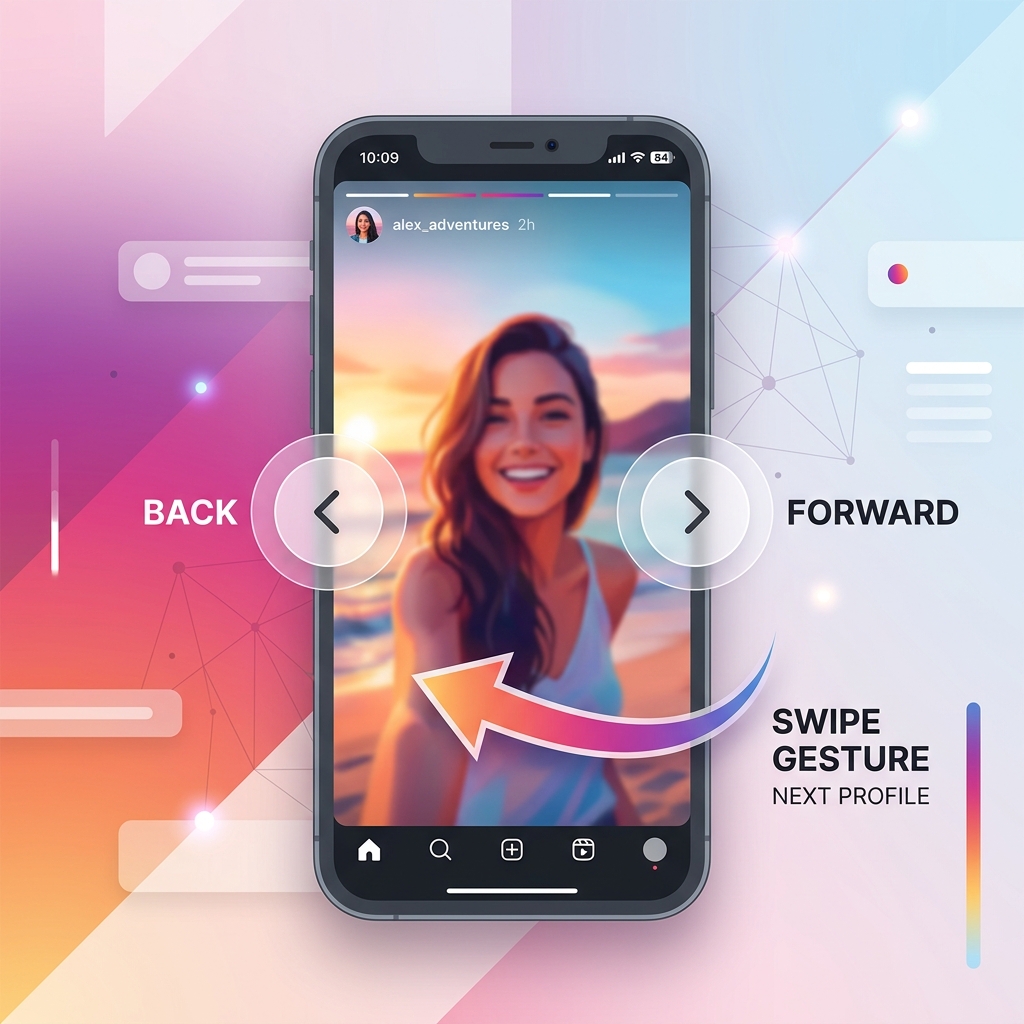
If you have ever opened your Instagram Story insights, scrolled down to the "Navigation" section, and wondered what all those numbers actually mean, you are not alone. It gives you a breakdown of Back taps, Forward taps, Next Story swipes, and Exits.
But how do you use these numbers to make your stories better? Is a high number of forward taps a sign that your content is boring? Does an exit mean they hated your post?
As a social media strategist who looks at these dashboards daily, I can tell you that these numbers are a goldmine for understanding user behavior—if you know how to read them. Let's break down exactly what your audience is trying to tell you, based on actual story campaigns I've run.
What Do These Taps and Swipes Mean?
Every tap and swipe on stories is a micro-decision. Viewers are constantly deciding whether to pay attention, speed through, or exit. Let's dissect each gesture.
Back Taps
A back tap happens when a user taps the left side of their screen to return to your previous slide.
This is the highest compliment you can get on a story. It means the viewer was intrigued enough by your previous post that they wanted a second look. Typically, they do this to read a paragraph of text they skipped too quickly, study a detailed photo, or take a screenshot of a recommendation.
My testing observation: I posted a story series with a fast-moving recipe video. The slide containing the written ingredient list got a 45% back-tap rate. People were skipping ahead, realizing they missed the measurements, and tapping back to read. This told me I needed to keep text slides on screen longer.
Forward Taps
A forward tap is when a user taps the right side of the screen to skip to your next story slide.
Most marketing blogs will tell you that forward taps mean your stories are boring. That is a lazy generalization. In reality, people are just impatient. They read the headline, get the main point in two seconds, and tap forward to keep the momentum going.
A healthy amount of forward taps is normal. It means they are skimming your content, but they are still interested enough to see what comes next. The real warning sign is when they swipe away completely.
Next Story Swipes
A Next Story swipe happens when a user swipes left to skip your account entirely and move to the next creator in their queue.
This is a clear indicator of disinterest. It means the viewer got bored, felt your story sequence was too long, or encountered a slide that felt too promotional or irrelevant.
If you notice a sudden spike in Next Story swipes on slide 3 of a 5-slide sequence, look closely at that specific slide. Did you switch from a behind-the-scenes photo to a dry sales pitch? That transition is likely what drove them away.
Exit Story Taps
An exit is logged when a user leaves the story viewer completely. They either swiped down to return to their feed, tapped the "X" in the corner, or closed the Instagram app.
An exit doesn't always mean your content failed. Sometimes, real life gets in the way—their phone rang, they reached their destination, or they simply closed the app. Don't obsess over exits unless they are consistently higher than your average reach.
Forward Taps vs Next Story Swipes
Understanding the difference between these two actions is crucial:
A **Forward Tap** means "I want to see more of *your* content, but faster." The viewer is engaged but skimming.
A **Next Story Swipe** means "I am done with *your* content for today, show me the next creator." The viewer has disengaged.
Your goal is to maximize forward taps (skimming is fine) while minimizing next story swipes. Keep your story arcs punchy and avoid sudden, dry pivots to promotional links without context.
How to See Your Analytics
To view these metrics, you must have a free Business or Creator account. Here is how to find the data:
Go to your profile page, tap the menu icon (three lines) in the top right corner, and select "Insights."
Scroll down to the "Content You Shared" section and tap on the "Stories" arrow.
Tap the filter options at the top to sort your stories by "Navigation," "Exits," or "Back Taps" to study specific behaviors.
Tap on any individual story slide and swipe up to see the specific navigation breakdown for that frame.
The 4 Key Metrics to Track
Focus on these four core metrics to fine-tune your stories:
Shows the total number of taps and swipes (Back, Forward, Next, Exit) generated by a slide.
The unique number of individual accounts that viewed your story slide.
The total number of times your story was viewed (including repeat views by the same user).
Sticker Taps
Sticker taps track how many times users tapped on polls, link stickers, question boxes, or location tags. This is the gold standard of engagement. It proves that your audience transitioned from passive swiping to active participation. High sticker taps are a strong signal to the Instagram algorithm that your content is worth showing to more followers.
Struggling to keep your viewers from swiping away? Use our Instagram Caption Generator to build scroll-stopping hooks and captions that keep your audience engaged until the final slide!

Ashish Kohli
Ashish Kohli is a digital strategist and copywriter who builds social media campaigns and tracks analytics for growing brands. He focuses on conversion metrics that drive sales, rather than vanity metrics.
Read more articles by this author