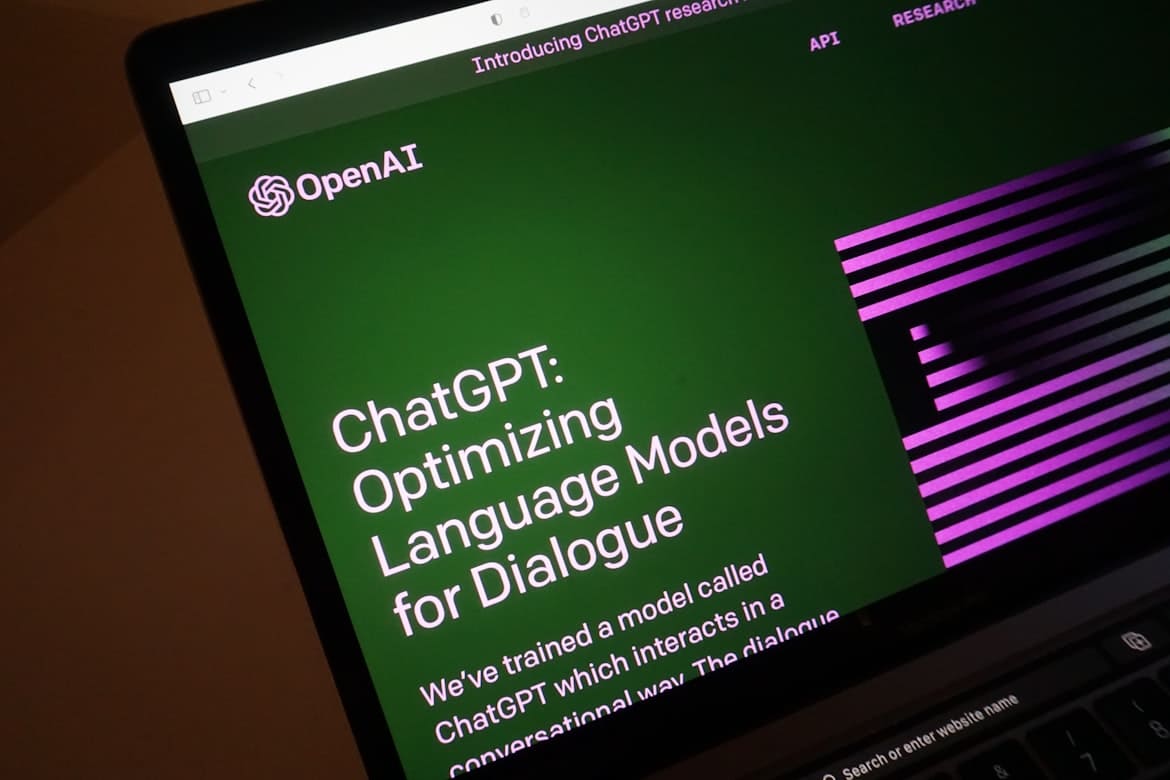
We've all seen the screenshots of people using ChatGPT to build entire apps or automate their business. But when you sit down to use it, it often feels more like a search engine that talks back. If you are stuck typing simple questions and getting generic paragraphs, this guide is for you. I’ve used ChatGPT daily since it launched, and here is a practical walkthrough on how to actually integrate it into your work, from writing prompts that work to utilizing Canvas, Projects, and voice modes.
What Is ChatGPT and How Does It Work?
ChatGPT is an AI language model developed by OpenAI. The latest premium versions are powered by GPT-5. It was trained on massive datasets of text to understand intent, map contexts, and generate natural responses.
It’s important to understand one thing: ChatGPT is not a search engine. It doesn't run a search query in the background and pull facts (unless you actively use the 'Web Search' mode). Instead, it predicts the next most likely word in a sequence based on patterns it learned during training. This is why it writes with such human-sounding flow, but it also explains why it can confidently make up books, facts, and dates that don't exist (what the industry calls "hallucinations").
Generate outlines, draft emails, and edit drafts. It's great for rough copies, but always needs a human edit to remove repetitive AI transitions.
Write functions, debug error logs, and explain complex code. Highly reliable for standard programming languages like Python and JavaScript.
Upload long PDFs, extract key findings, and query documents. A major time-saver for scanning 50-page reports.
Create mockup graphics and blog cover illustrations via DALL-E. Good for concepts, though text rendering and hand details remain spotty.
Get answers with real-time web search. Great for recent news or fact-checking live links.
Have a real-time conversation via Advanced Voice Mode. Excellent for language practice or quick verbal brainstorming.
Free vs Plus vs Pro — Which Plan Do You Need?
ChatGPT has three main plans. Here's how they compare:
If you are just starting out, stick to the free plan. It’s surprisingly capable for quick questions and editing. Upgrade to Plus ($20/month) if you run into message limits on GPT-5 during work hours or need DALL-E and Canvas. The Pro tier is $200/month, which is overkill for anyone who isn't running deep research queries or enterprise automation scripts daily.
Getting Started: Step-by-Step Setup
-
1Go to chatgpt.com (or download the app)
Open your browser and visit chatgpt.com. On mobile, download the official ChatGPT app from the iOS App Store or Google Play Store. Avoid unofficial apps — the real app is published by OpenAI.
-
2Create a free OpenAI account
Click Sign up. Register with your email, or use Google / Microsoft for one-click signup. You will need to verify your email and potentially enter a phone number to prove you aren't a bot.
-
3Choose your AI model (paid users)
If you're on Plus or Pro, click the model dropdown at the top of any conversation and select the version you want — GPT-5 for best reasoning, GPT-5 Mini for speed, or a specialised model for coding/analysis.
-
4Type your first message and press Enter
Click the message box at the bottom of the screen, type your prompt, and press Enter or the send arrow. ChatGPT will respond within seconds. The conversation remembers everything you've said — so follow-up naturally.
-
5Interact with the response
Below every response you can: copy the text, click regenerate to try again, rate with a thumbs up/down, edit in Canvas to refine the layout, or share a public link to the conversation.
How to Write Prompts That Actually Work
Vague, one-sentence prompts are the main reason people get mediocre outputs. If you just ask: "Write a blog post about marketing," you'll get a boring list of common sense. Instead, I use the RCTF framework to structure my prompts:
Role: Tell ChatGPT what specialist to be. Context: Give background on your situation. Task: State exactly what you want. Format: Specify how you want the output structured.
Write me a marketing email.
You are a senior email copywriter specialising in SaaS. I'm launching a project management tool targeting 5-person startups. Write a 150-word promotional email for our 14-day free trial launch. Use a conversational tone, open with a pain point, include one clear CTA, and end with a P.S. line.
I'm a junior developer learning Python. Explain what this function does line by line, using plain language. Identify any bugs and suggest improvements: [paste code here]
Summarise the key findings of this research paper for a non-technical audience. Pull out 5 actionable takeaways as bullet points, and flag anything I should verify independently: [paste paper abstract/text]
How to Use ChatGPT Voice Mode
ChatGPT's Advanced Voice Mode lets you have a real back-and-forth spoken conversation — not just speech-to-text. It handles interruptions smoothly and sounds incredibly human.
-
1Click the voice icon in the message bar
Look for the waveform/microphone icon at the right side of the chat input. On mobile, tap the same icon in the app.
-
2Choose a voice avatar
On your first launch, the app will ask you to select a voice. Pick one that sounds natural to you.
-
3Start speaking naturally
The interface changes to a pulsing circle. Talk just like you would on a phone call. You can interrupt the AI mid-sentence, and it will pause to listen to your new direction.
How to Upload Images & Files to ChatGPT
You can upload images, code files, spreadsheets, and PDFs directly into ChatGPT.
Drag & drop: Drag any file directly into the chat window. Plus icon: Click the + next to the message bar → "Add Photos & Files". Mobile: Tap the paperclip icon in the app to access your camera roll or local files.
Once shared, you can ask ChatGPT to:
- Describe or analyse what's in a photo
- Extract text from screenshots or images
- Summarise, translate, or critique a PDF
- Analyse data from a spreadsheet and produce insights
- Spot errors in a diagram or wireframe
- Explain code in a screenshot
How to Customise ChatGPT
Custom Instructions (Free & Paid)
Tired of repeating "always answer in British English" or "avoid corporate speak"? Custom Instructions let you permanently set your preferences so ChatGPT automatically applies them to every new conversation.
-
1Open your profile menu → "Customize ChatGPT"
Click your avatar or username at the top-right of the screen, then select Customize ChatGPT from the dropdown.
-
2Enable for new chats & fill in the fields
Toggle Enable for new chats. Fill in what ChatGPT should know about you (role, expertise, context) and how it should respond (tone, format, length, language).
-
3Save and start a new chat
Click Save. Start a fresh conversation and you'll notice the difference — ChatGPT will use your preferences automatically.
Custom GPTs (Plus & Pro)
Custom GPTs are specialised versions of ChatGPT you build for specific tasks — a coding mentor, a brand voice copywriter, or a recipe generator. You configure them with custom instructions, reference documents, and action capabilities.
You can find public Custom GPTs in the GPT Store (Sidebar → Explore GPTs). If you are on a paid plan, you can build your own by clicking Create and explaining your goals to the builder bot in plain language.
Advanced ChatGPT Features
Workspaces for specific jobs. You can create a project for a specific client, upload all their brand assets and PDFs, and any chat inside that project will reference those files automatically.
Tell ChatGPT to run a prompt at a specific time (e.g., "Every Friday morning, check these URLs for news and compile a newsletter draft").
A separate text editor that opens next to your chat. Instead of copy-pasting code or articles back and forth, you can edit the text directly in the Canvas window and highlight lines to ask ChatGPT to change them.
An autonomous tool that can browse the web, fill out form fields, and handle multi-step digital workflows. Currently in beta and can be slow, but useful for repetitive data tasks.
OpenAI's research engine. Instead of a quick web search, it spends 5-10 minutes browsing dozens of pages to build a comprehensive, cited report on complex topics.
All current models can browse the web in real-time. Toggles live browsing. Perfect for getting up-to-date sports scores, stock prices, or news.
What ChatGPT Won't Do
OpenAI has built safety filters to prevent abuse. If you ask for weapons recipes, malware code, or help impersonating someone, the model will politely decline and explain why.
| Category | Examples of declined requests |
|---|---|
| Harm & Danger | Instructions for weapons, explosives, or content promoting self-harm |
| Private Information | Generating or revealing passwords, financial data, or impersonating real people |
| Legal & Ethical | Deepfakes without consent, full copyrighted works, advice enabling illegal acts |
| Explicit Content | Sexually explicit material, hate speech, graphic violence |
| Scope Limits | Monitoring files it hasn't seen, acting as a licensed doctor/lawyer |
ChatGPT writes with absolute authority, even when it is making things up. If you are using it for legal citation, code that goes to production, or medical advice, double-check every single detail. It is a drafting partner, not a source of absolute truth.
Privacy & Data Controls
By default, OpenAI uses your conversations to train their future models. If you are pasting proprietary code, customer lists, or personal documents, you should opt out.
- Memory: ChatGPT remembers facts about you across sessions. Manage or clear this under Settings → Personalization → Memory.
- Temporary Chats: Start a conversation that won't be saved to your history. Toggle via the model menu at the top.
- Model Training: Opt out under Settings → Data controls → Turn off "Improve the model for everyone."
- Archive & Delete: You can delete chats permanently or archive them to clean up your left sidebar without losing the history.
Frequently Asked Questions
Yes. You can sign up and use ChatGPT for free with no credit card. The free tier uses GPT-5 Mini and has daily message limits. Upgrade to Plus ($20/month) for full GPT-5 access and Canvas, or Pro ($200/month) for priority access and unlimited Deep Research.
As of 2026, ChatGPT runs on GPT-5 (premium tier) and GPT-5 Mini (faster, free tier). Paid users can also access specialized models for complex coding, reasoning, and image generation.
Yes. All current ChatGPT models can browse the web in real-time. Simply ask it a question about recent events, or toggle the web search button to get sourced, up-to-date answers.
Yes, image generation is handled by DALL-E 3 inside the chat window. Free users get a few image credits per day, while Plus and Pro users get much higher caps.
Yes. In a single chat session, it remembers everything. Across different chats, it has a Memory feature that saves details you share (like your job or formatting preferences). You can customize or clear this in your settings.
While GPT-5 is significantly more accurate than older models, it can still hallucinate. Always fact-check crucial details, code snippets, or quotes before using them in a professional capacity.
Yes. There is a search bar at the top of your left sidebar history. Type a keyword to find past conversations containing those specific terms.
- Start free at chatgpt.com — no credit card needed, highly capable for daily editing and drafting.
- Better prompts = better results: always use the RCTF framework to structure your instructions.
- Custom Instructions save time by applying your formatting preferences automatically.
- Projects & Canvas make ChatGPT a proper workspace, not just a simple chat window.
- Verify facts: ChatGPT writes with confidence but can still make mistakes on niche or complex topics.
- Turn off training under settings to protect your data privacy when pasting proprietary text or files.

Ashish Kohli
Ashish Kohli is an SEO expert and freelance writer specializing in digital marketing. With a deep understanding of search engine strategies, he helps businesses improve online visibility and boost website traffic.
Read more articles by this author