If you have been uploading content to TikTok only to watch your metrics drop off a cliff, you are not alone. Getting stuck in the "0-view jail" or having every video hit exactly 200 views and freeze is one of the most frustrating experiences for creators in 2026. Very often, creators suspect they have fallen victim to the dreaded TikTok Shadowban.
A shadowban is an automatic, algorithmic block that restricts your video's distribution without explicitly notifying you. Your content remains on your profile, but it is entirely blocked from reaching the "For You" Page (FYP). In this guide, we will break down how to diagnose a shadowban, why it happens, and the exact step-by-step measures to lift it.
- Invisible Penalty — TikTok will never send an inbox message saying you are shadowbanned; you must detect it through analytics.
- The For You Page Check — If your video gets views from your "Followers" or "Personal Profile" but 0% from the "For You" page, you are likely shadowbanned.
- Recoverable — Most shadowbans are temporary and automated by safety algorithms. They can be resolved by removing flagged content and cooling down your account activity.
4 Critical Signs You Are Shadowbanned
Before attempting to fix your account, you must confirm if the issue is a shadowban or simply poor organic reach. Learn the differences using our checklist:
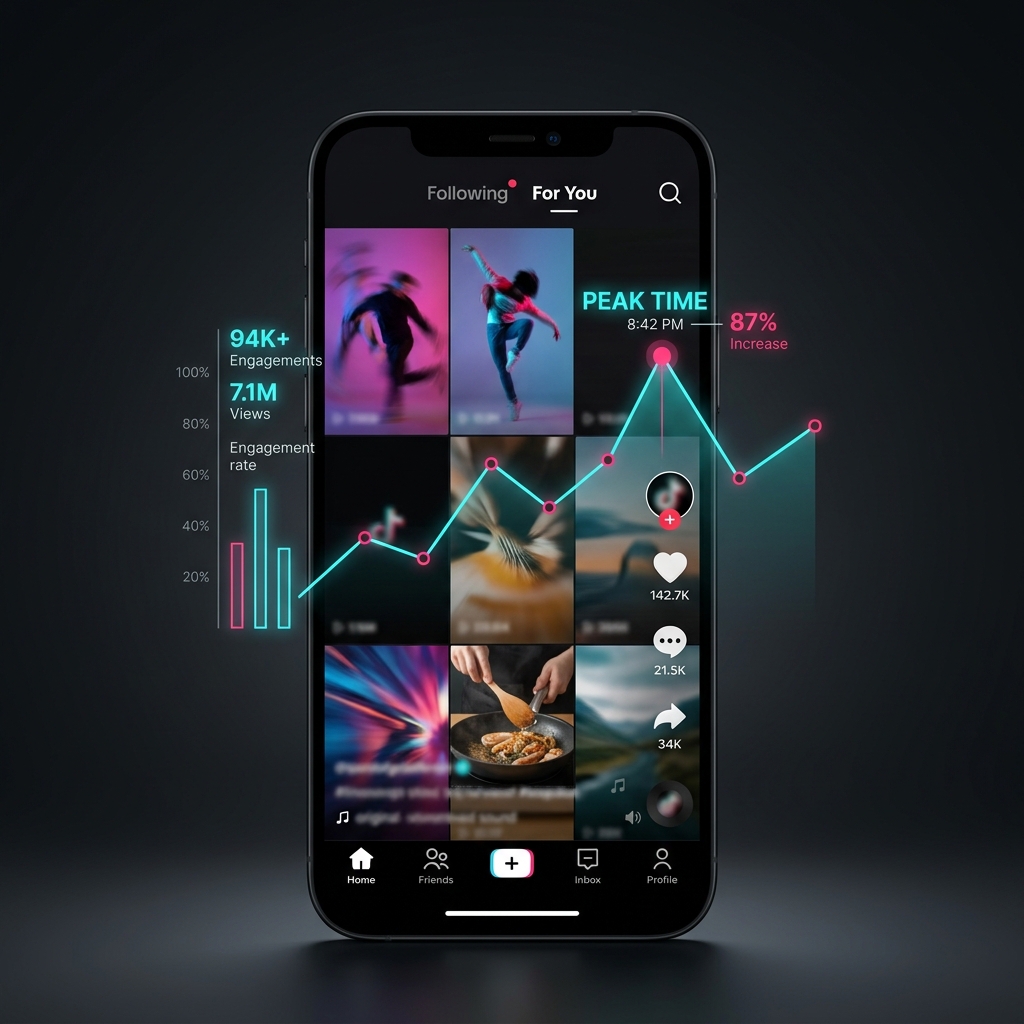
- 0% For You Page Traffic in Analytics: Open a video uploaded in the last 48 hours. Tap More Data (analytics) and look at the "Traffic Sources" section. If you see views coming only from "Followers" and "Personal Profile" but absolutely nothing under "For You", TikTok is actively filtering your distribution.
- Total Search Invisibility: Log out of your account or use a friend's phone to search your exact TikTok username. If your profile does not appear in the results, or if searching your video's exact caption yields nothing, your visibility is hidden.
- "Under Review" Upload Delays: When you upload a video, it stays stuck in processing or "under review" for hours. This means TikTok's moderation queues have flagged your account for manual inspection.
- Likes, Comments, and Shares Are Frozen: Even your existing followers cannot interact with your new videos, or their comments are automatically hidden (ghosted) under your posts.
If your video analytics show even 1% or 2% traffic from the For You Page, you are not shadowbanned. Instead, your video is likely suffering from a weak hook or low retention. You can read our guide on Every Real Reason Your TikTok Gets Less Views to optimize your metrics.
Why Did I Get Shadowbanned? Common Causes
TikTok’s safety algorithms are designed to protect the platform from spam, malicious content, and copyright issues. Most shadowbans occur automatically due to one of the following triggers:
- Guideline Violations: Uploading content depicting dangerous stunts, hate speech, bullying, minor safety risks, or excessive skin. Check the official TikTok Community Guidelines to review restricted topics; even if a video isn't removed, it can be flagged as "Not Eligible for the FYP."
- Spammy Behaviors: Mass following/unfollowing accounts, liking hundreds of videos in a few minutes, or uploading more than 5 videos in a single day. The algorithm flags these actions as bot-like activity. Spacing out your posts and publishing at the best time to post on TikTok will help build organic reach safely.
- Copyright Flags: Using unapproved audio tracks, uploading clips with third-party watermarks (like YouTube or Instagram logos), or posting screen-recorded footage from movie/television networks.
- Banned Hashtags: Using tags that have been blacklisted by TikTok due to association with inappropriate content or spam campaigns.
TikTok Policy Infractions & Risk Matrix
Different violations trigger different levels of penalties. Use this matrix to understand where your account stands:
How to Fix a TikTok Shadowban: Step-by-Step Checklist
If you are confident your account has been shadowbanned, follow this sequence to clear the flags and restore your distribution:
-
Remove Flagged Content: Go back through your last 5 to 10 videos. Identify any post that has received a warning, has muted audio, or has significantly lower views than usual. Delete or private those videos immediately to clean your history.
-
Clear the App Cache: Deep session states can store negative cookies on your device. Open TikTok, go to Settings and Privacy > Free up space, and tap Clear next to Cache and Downloads.
-
Uninstall and Reinstall TikTok: Delete the app entirely from your phone. Restart your phone, download the latest version of TikTok from the official App Store or Play Store, and log back in. This forces the app to update configuration tokens.
-
Take a 48-Hour Break: Stop posting videos, commenting, liking other content, or searching on the app for at least 48 hours. Let your account go completely dormant to reset bot-detection parameters.
-
Switch Account Types: If you are currently using a Business Account, switch back to a Personal Account. Business accounts are held to stricter commercial copyright rules, which frequently trigger flags.
-
Resume with 100% Original Content: When you start posting again, do not re-upload old videos. Film directly in the TikTok camera app, use trending internal sounds, and avoid any text or images copied from the web.
Pro Recovery and Account Health Tips
Once your views begin to recover, maintain the algorithm’s trust by using these safety habits:
Use the 'More Data' tab on every upload. If you notice a video is flagged, appeal it immediately or remove it to protect the rest of your channel.
Only use audios listed in TikTok’s official Commercial Music Library if you are a brand, or trending sounds if you have a personal creator profile.
Go to 'Report a Problem' in settings, select 'Feed/Search/Share', and explain that your account is experiencing abnormal visibility issues. Be polite and avoid mentioning 'shadowban' directly.
Frequently Asked Questions
Deleting specific videos that violate TikTok guidelines or have copyright marks can help restore your account health. However, mass-deleting a large number of videos at once can trigger spam detection filters. It is always safer to set flagged videos to "Private" rather than deleting them permanently.
No, switching to a Business Account does not directly shadowban you. However, Business Accounts have strict music licensing restrictions. If you use trending user audios that are not cleared for commercial use, the algorithm immediately marks the video as ineligible for the For You page, which mimics the effects of a shadowban.
You can check your status directly in the app. Go to your Profile > Settings and Privacy > Creator Tools > Account Check. TikTok will display any active policy infractions, warning strikes, or feature blocks currently attached to your account.
Yes, upload location hopping via a VPN can trigger algorithmic flags. Changing your IP address quickly makes TikTok's security checks assume your account is being accessed by bots or multiple users from different locations, resulting in a temporary shadowban to protect the account.
Only if you delete the app cache and data first. If you set up a new account on the same device without doing a clean reinstall, TikTok's device-ID tracing may associate the new profile with your old banned profile and shadowban the new account from its very first post.
My Final Takeaway
A TikTok shadowban is not a death sentence for your channel. It is a temporary filter meant to cool down accounts that show automated or spammy behavior. By clearing your cache, deleting flagged videos, pausing activity, and posting high-quality, original content, you can easily restore your account standing in 7 to 14 days. Keep your content clean, learn how to promote your blog on TikTok organically, use the TikTok Algorithm Guide to optimize metrics, and avoid shortcuts to build lasting visibility.

Priyanka Kumari
Priyanka Kumari is a digital marketing strategist specializing in audience engagement and social media configurations. She helps creators optimize their workflows to build sustainable online communities.
Read more articles by this author