If you have spent any time trying to grow your brand or personal page on Instagram recently, you have likely noticed a frustrating trend: your reach, views, and impressions are suddenly declining. You post a high-quality photo or record a creative Reel, but it barely receives a fraction of the views it once did.
You are not alone. Algorithm changes, shifting consumer habits, and overcrowded feeds have changed the rules of engagement. However, understanding *why* this happens is the key to adapting. Let's look at the primary reasons your reach is falling and how you can fix it.
- Shares are the New Likes — The Instagram algorithm actively promotes content that users send to their friends via Direct Messages.
- Suggested Content Takeover — A massive percentage of users' feeds now consist of "Recommended" posts, reducing direct follower views.
- Account Health Matters — Hidden recommendations blocks (or shadowbans) can prevent your content from reaching non-followers entirely.
Common Causes of Instagram Reach Drops
Before modifying your content strategy, you need to diagnose why the drop is happening. The most common technical and platform causes include:
-
The Rise of "Suggested For You" Content: Instagram is increasingly resembling TikTok's "For You" page. By injecting content from accounts users don't follow directly into the main feed, the algorithm leaves less organic real estate for updates from accounts they actually follow.
-
Overcrowded Feeds & Content Saturation: Millions of posts, Reels, and stories are uploaded every single minute. The competitive landscape means that even minor issues with content quality can result in your post being buried beneath more engaging or newer uploads.
-
Shift in User Activity: Users are spending less time scrolling through the main home feed. Instead, a massive percentage of active users spend their time viewing Instagram Stories or communicating privately inside Direct Messages (DMs).
-
Strict Community Guidelines Updates: Instagram's Recommendation Guidelines restrict content that is deemed inappropriate, clickbaity, or low-quality. Even if your account isn't fully banned, violating these guidelines can result in your content being hidden from Search, Explore, and Reels feeds.
Actionable Fixes to Boost Your Organic Reach
Fortunately, you are not powerless against the algorithm. Here are the most effective strategies to rebuild your impressions and start growing again:
1. Optimize Specifically for Shares and Saves
Likes and comments no longer carry the weight they once did. The algorithm prioritizes content that starts conversations or is worth referencing later. Focus on:
- Shareable Content: Relatable memes, infographics with actionable guides, or controversial (but polite) hot takes that people want to send to their friends.
- Savable Content: Step-by-step tutorials, lists of resources, cheat sheets, or recommendations that users will want to book-mark for future use.
2. Use the Collab Feature
Instead of posting solely to your feed, invite another creator or brand to be a collaborator. When they accept, the post appears on both profiles and is distributed to both audiences, instantly doubling your organic reach potential.
3. Optimize Your Posting Times
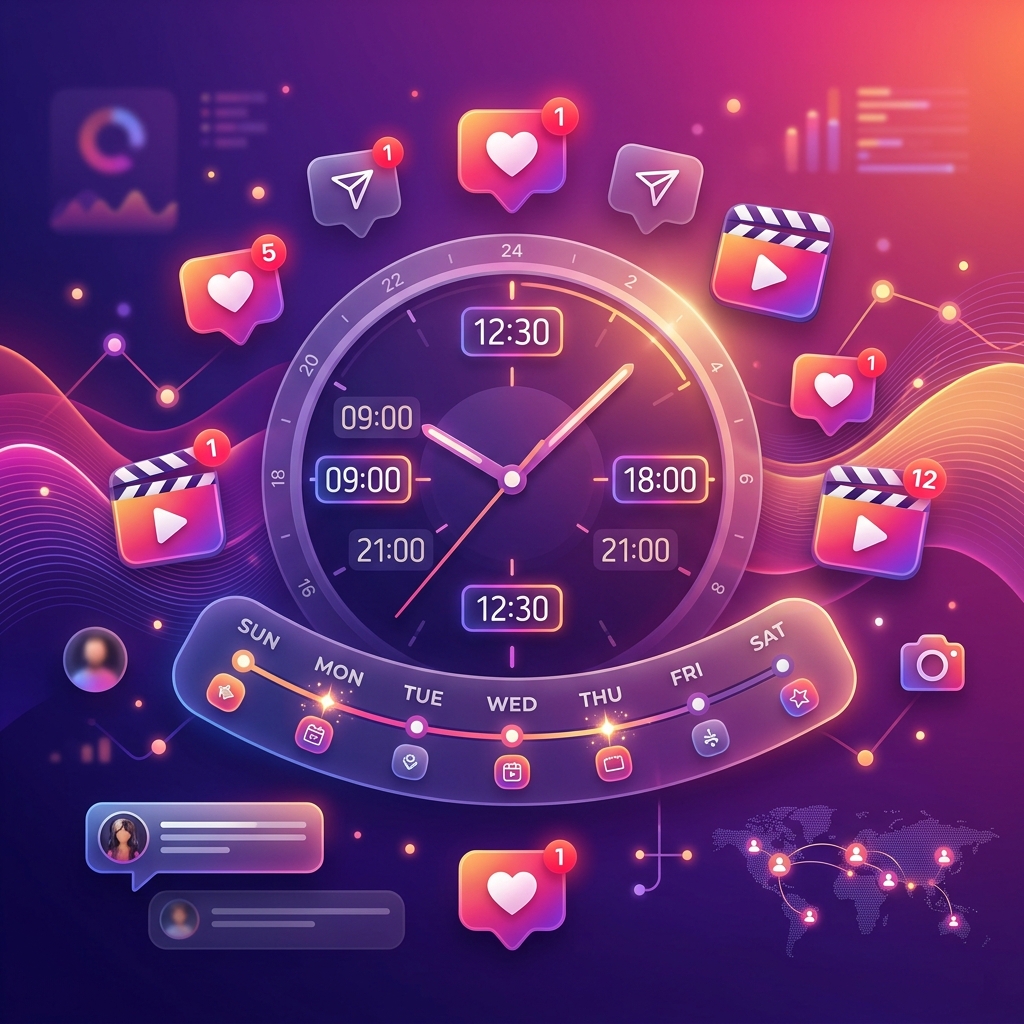
Getting early engagement is critical for the algorithm to categorize your content as high-quality. Make sure to post when your specific audience is online. Refer to the best time to post on Instagram guide to pinpoint when to publish your content.
4. Reshare Your Own Content to Stories
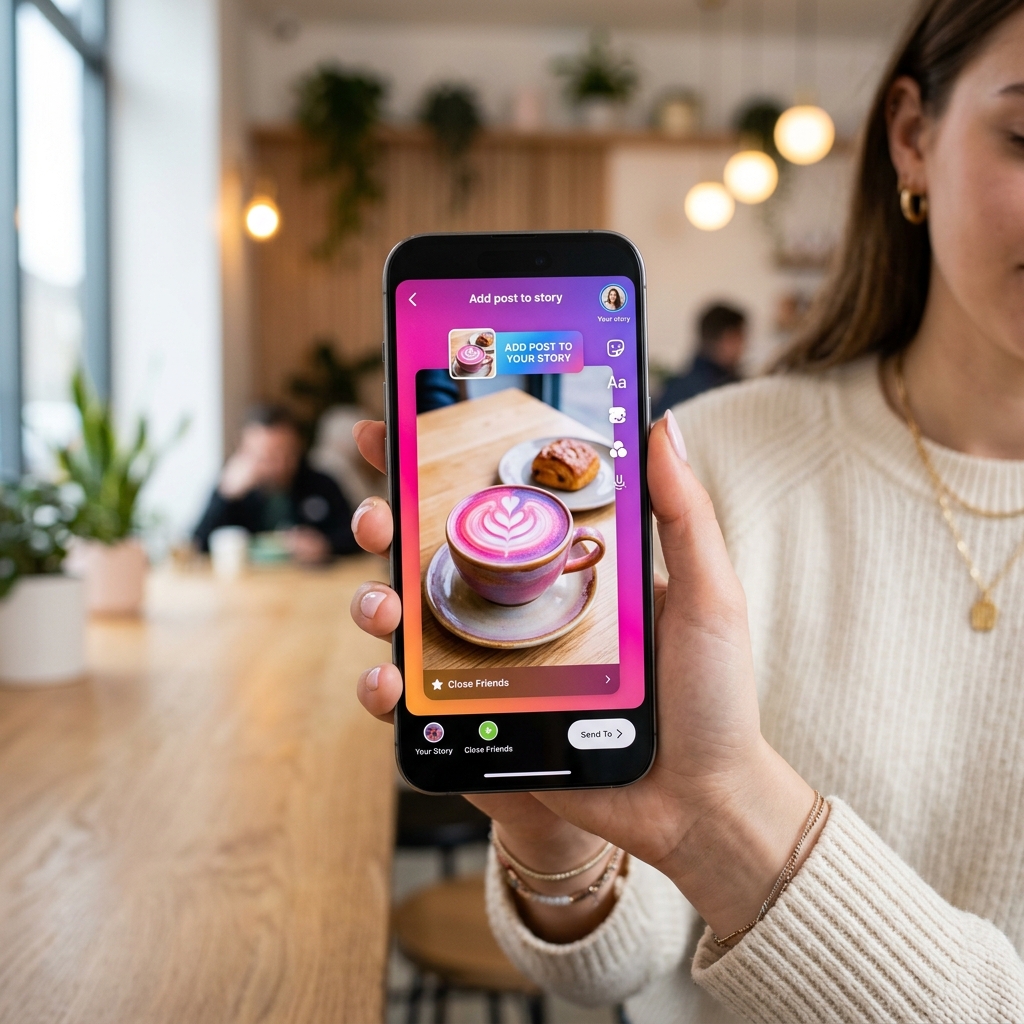
Since a huge block of users only browse the top story tray, make it a habit to share new uploads to your stories. You can learn exactly how to do this in our guide on how to share Instagram posts to stories to maximize visibility.
Summary: Causes vs. Fixes
A quick breakdown of the primary factors impacting your reach and the corresponding solutions:
Pro Engagement Optimization Tips
To stand out in 2026, implement these advanced tactics to hook your audience immediately:
The first three seconds of a Reel or the first line of a caption decide whether a user scrolls away. Make it punchy and visual.
Always use optimized vertical aspect ratios (4:5 for photos, 9:16 for Reels) to maximize screen real estate and capture attention. Check our Instagram Image Size Guide for exact dimensions.
Respond to every comment on your post within the first hour. This signals active community conversation to the algorithm.
How to Check Your Instagram Account Status
If you've tried everything and your reach is still zero for non-followers, your account might be restricted due to a guideline violation. You can check this status directly in the app:
- Navigate to your profile and tap the **three lines menu** in the top-right.
- Scroll down and tap **Account Status** under the Help or Settings section.
- Look for green checkmarks across **Recommendation Guidelines** and **Community Guidelines**.
If you see a yellow warning, delete the content that flagged the warning and appeal the decision. Once cleared, your non-follower reach should slowly recover.
Frequently Asked Questions
Generally, no. Minor edits to fix spelling or add hashtags do not hurt your reach. However, completely changing the text or tags can reset the algorithm's understanding of your post's topic, temporarily slowing down optimization.
Hashtags are now used primarily for SEO categorization rather than discovery. While they help the algorithm understand your niche, relying on them alone won't save falling reach. Focus on content quality and shares first.
This is a common myth. Instagram does not punish Professional or Creator accounts. In fact, professional accounts give you access to insights and recommendations that help you monitor reach drops in real time.
This usually happens because your followers are not engaging with your posts early on, or because they primarily view Stories and DMs rather than scrolling the main feed. If early signals from your followers are weak, the algorithm stops pushing it to the rest of your audience.
If the reach drop is caused by algorithm adjustments, it typically takes 2 to 3 weeks of consistent, share-optimized posting to see recovery. If it is due to an Account Status guideline issue, reach generally starts recovering immediately after the flagged post is deleted or resolved.
My Final Takeaway
A decline in Instagram reach is not a sign to give up; it is simply a signal to pivot. By focusing less on high-frequency posting and more on high-value, shareable content, you can realign with what the 2026 algorithm prioritizes. Keep track of your account status health, interlink your posts, and stay consistent.

Priyanka Kumari
Priyanka Kumari is a digital marketing strategist specializing in audience engagement and social media configurations. She helps creators optimize their workflows to build sustainable online communities.
Read more articles by this author